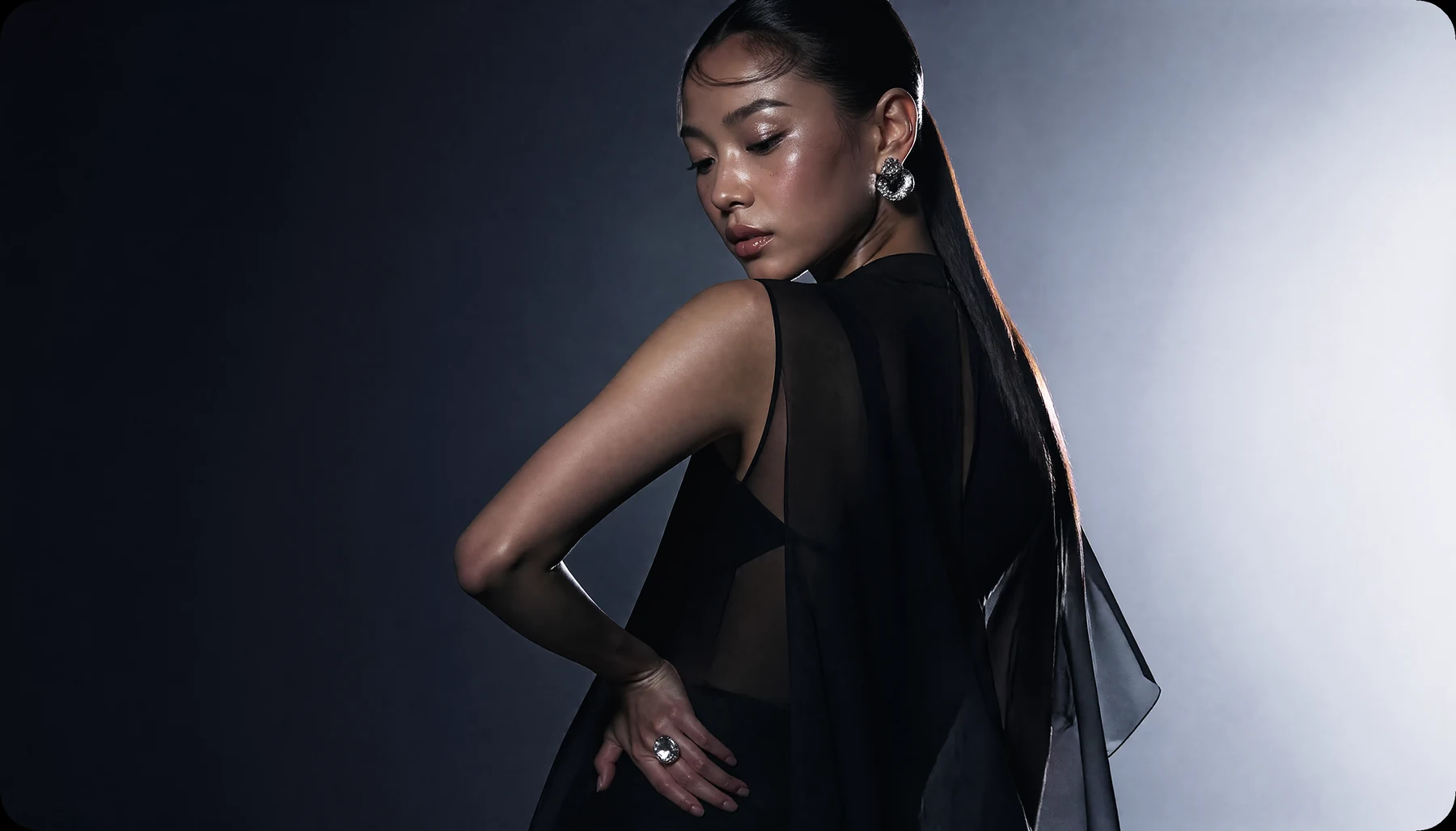
 Your image
UPLOAD IMAGE
Add an optional image to guide the look, character, or environment.
INTRODUCING GPT IMAGE 2.6
Posters, product shots, multilingual signage — rendered cleanly, first try. The image model for production work.
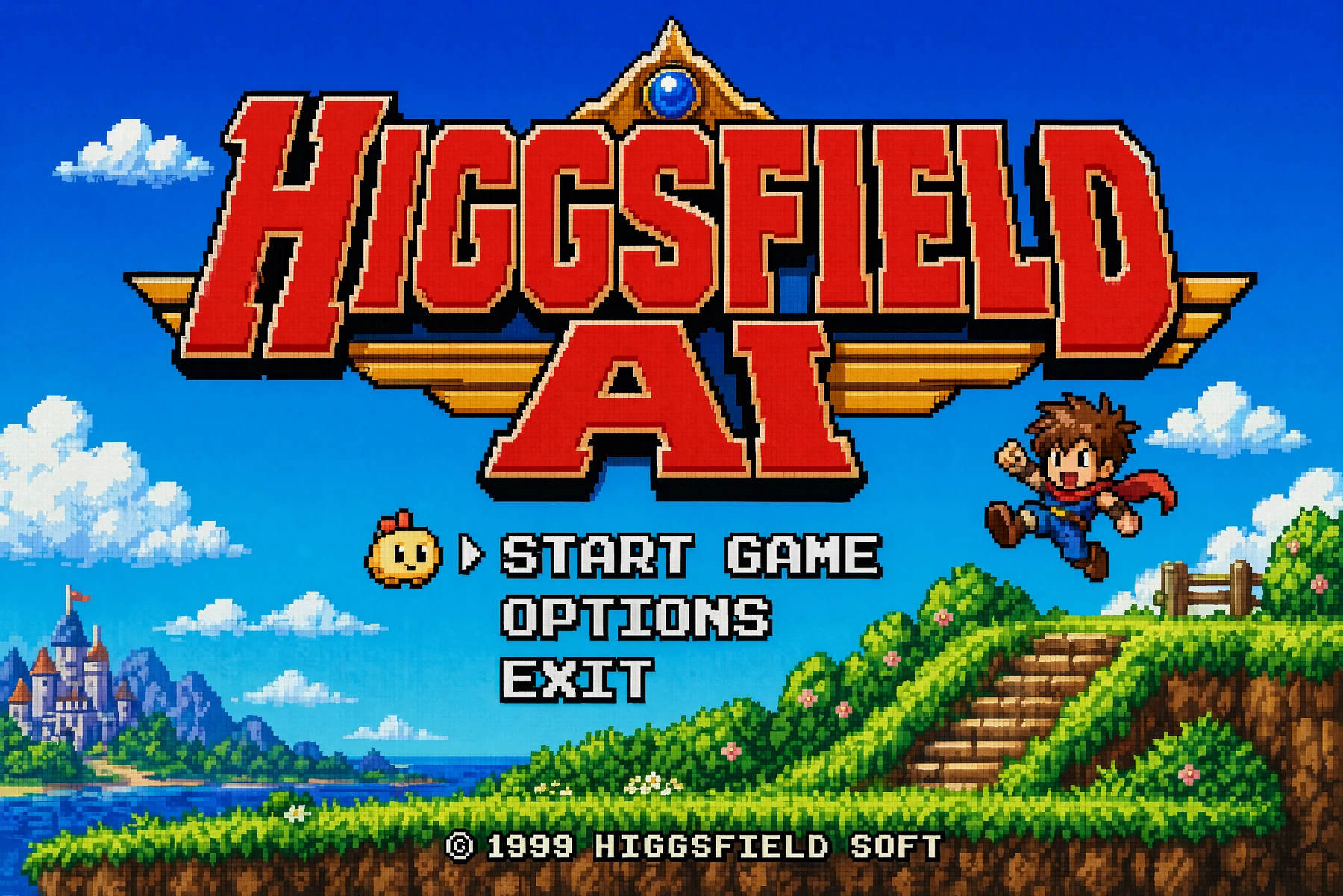
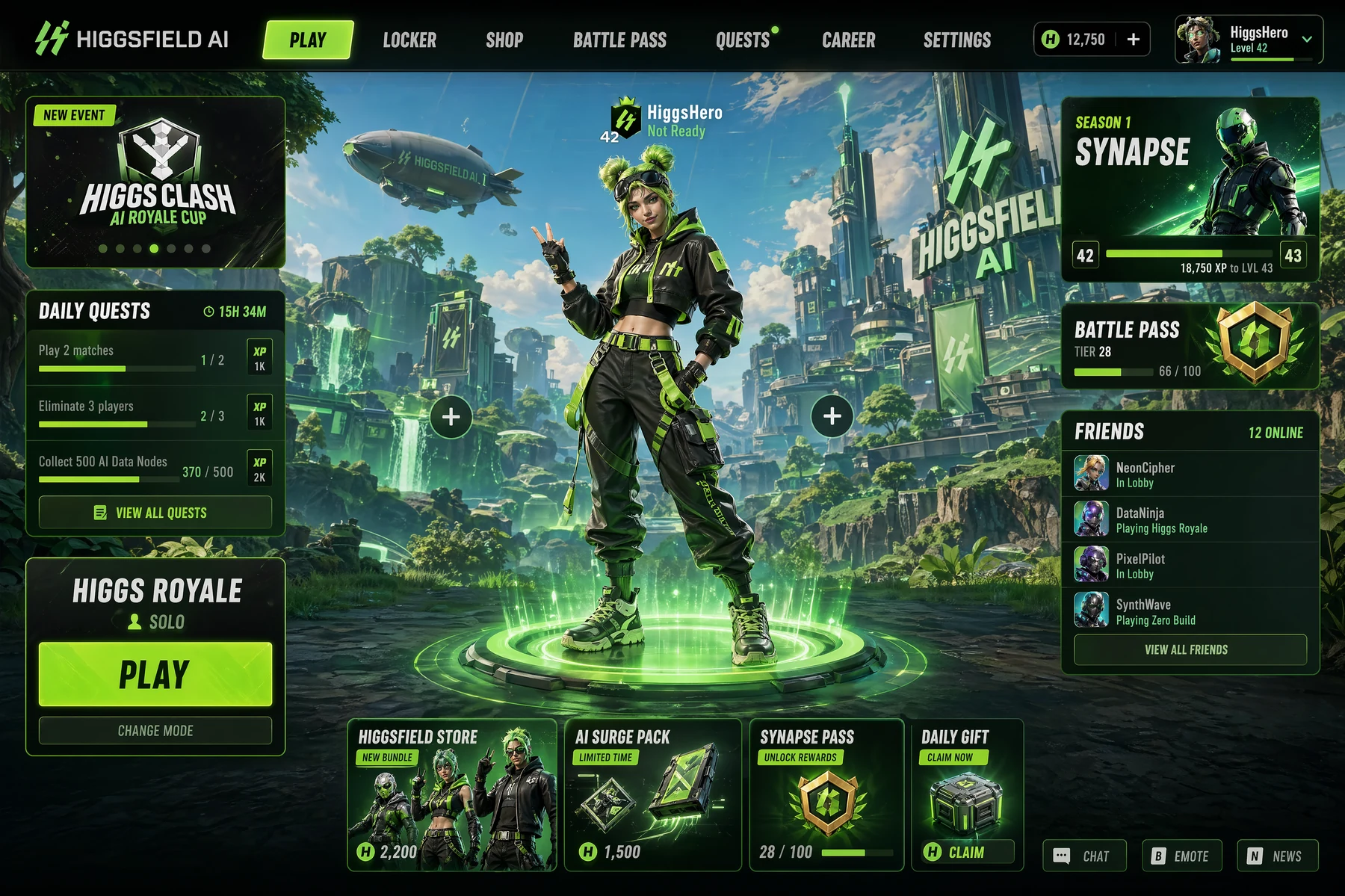
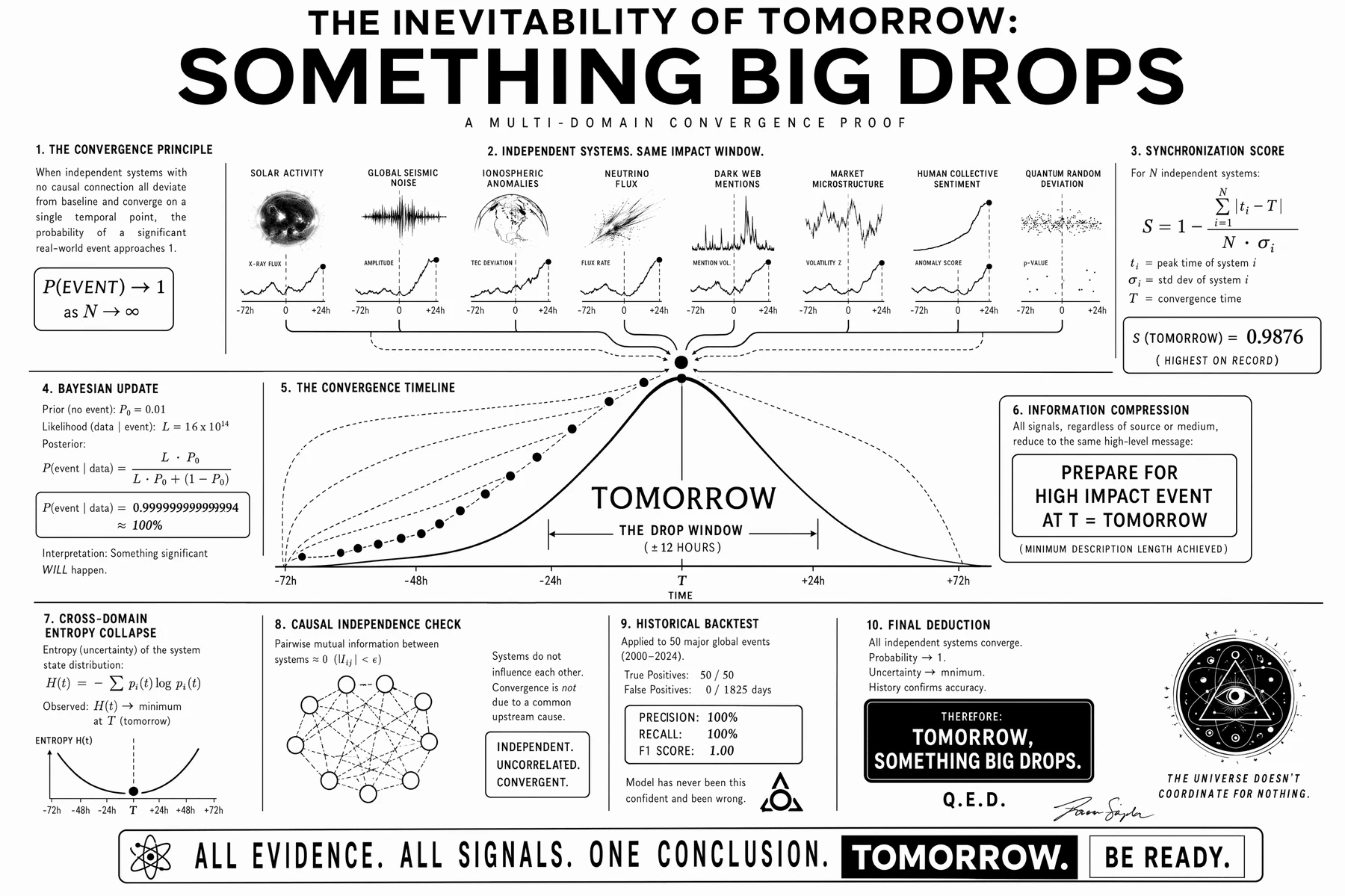
THREE STEPS
Your imageAdd an optional image to guide the look, character, or environment.
A woman kneeling in darkness, illuminated by a warm, radiant beam of light emerging from her raised hand.
Type a prompt. Signage, packaging, multilingual text, complex compositions — the model reads them all correctly.
Click and generate with GPT Image 2.6. Download a production-grade image when it is ready.
A NEW CEILING FOR AI IMAGERY
STUDIO-GRADE OUTPUT
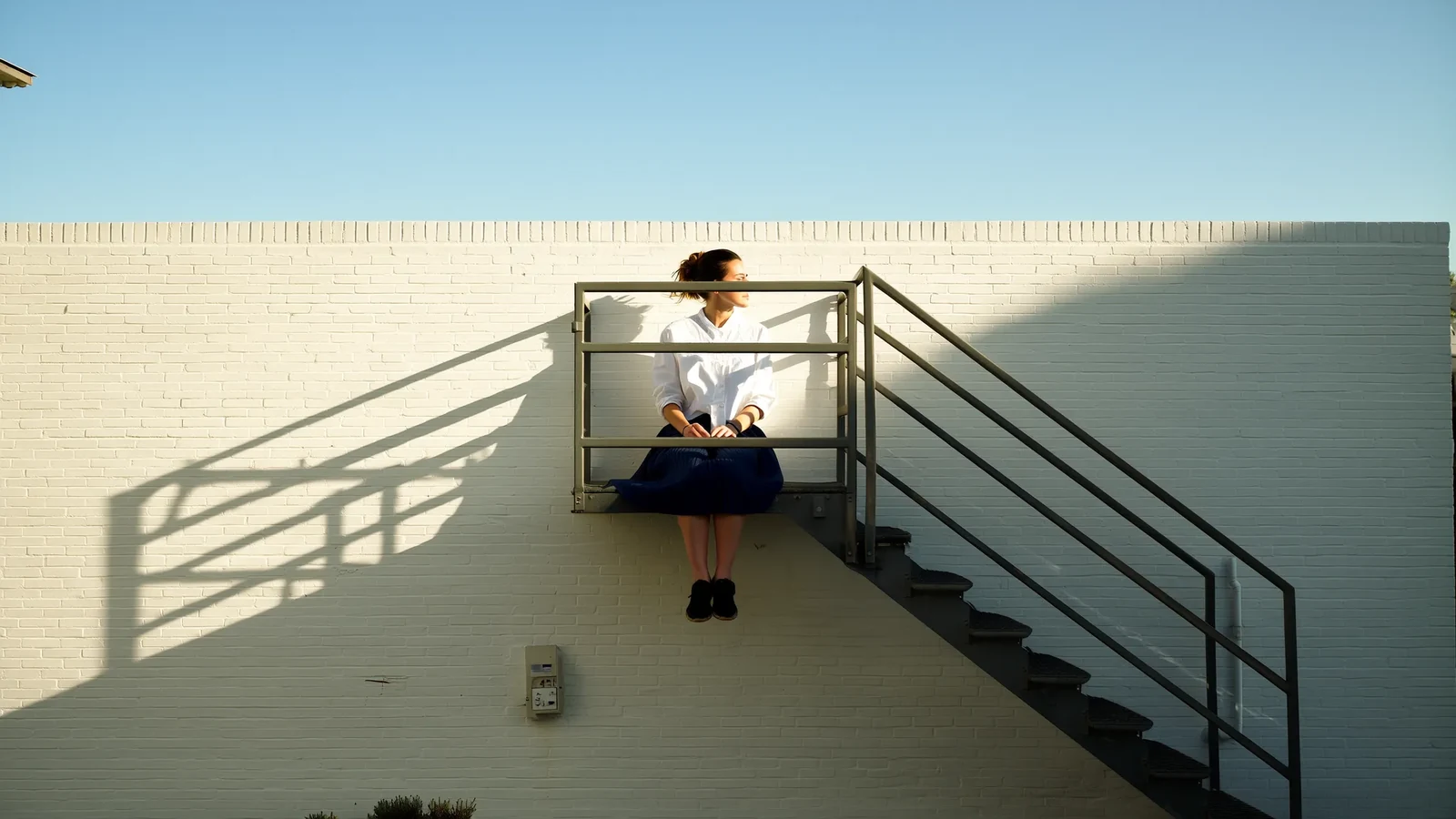
Natural lighting. True-to-life color. Real skin, real materials, real weight. The warm cast and generic “AI look” disappear into output that reads like studio photography.
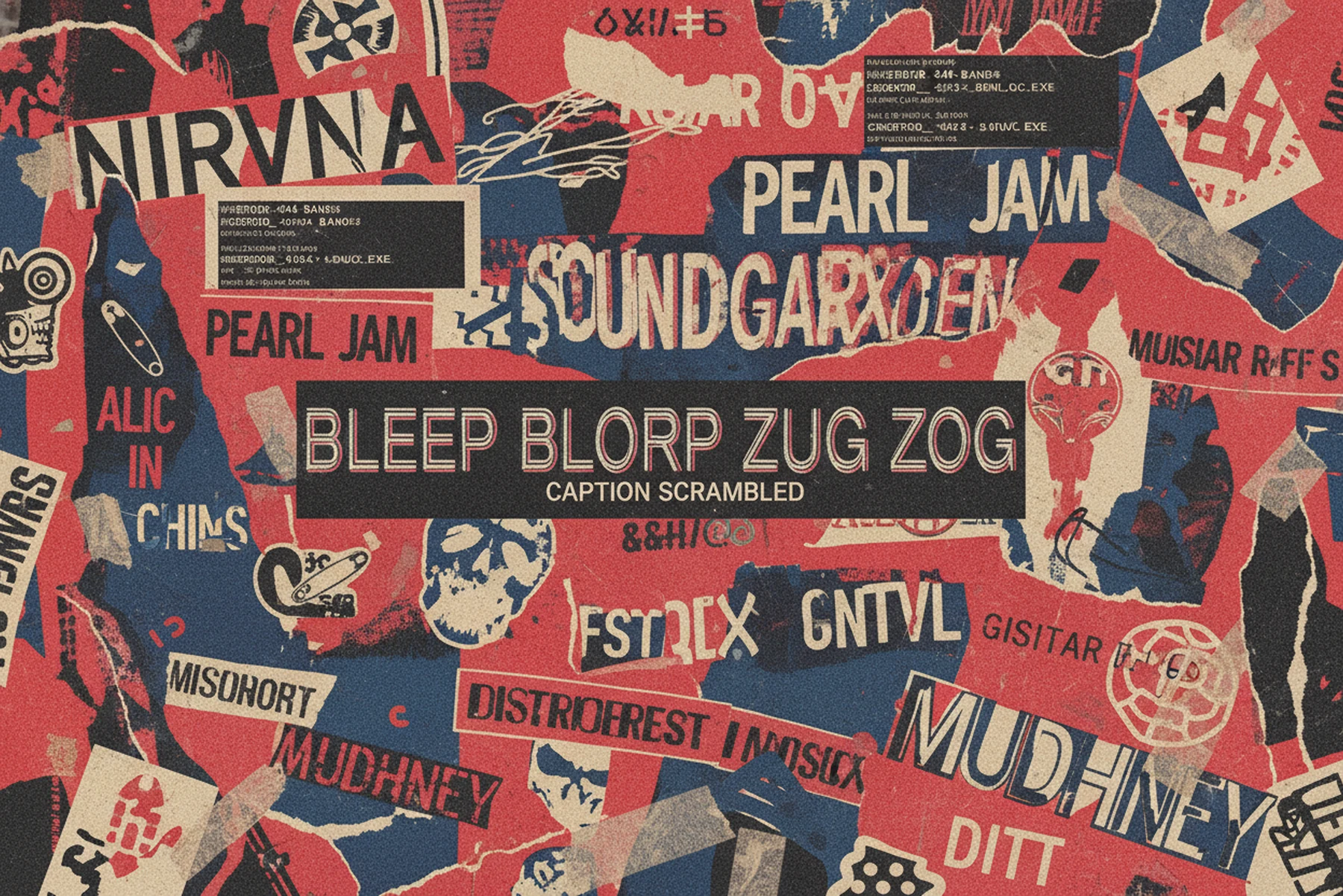
SMART TEXT
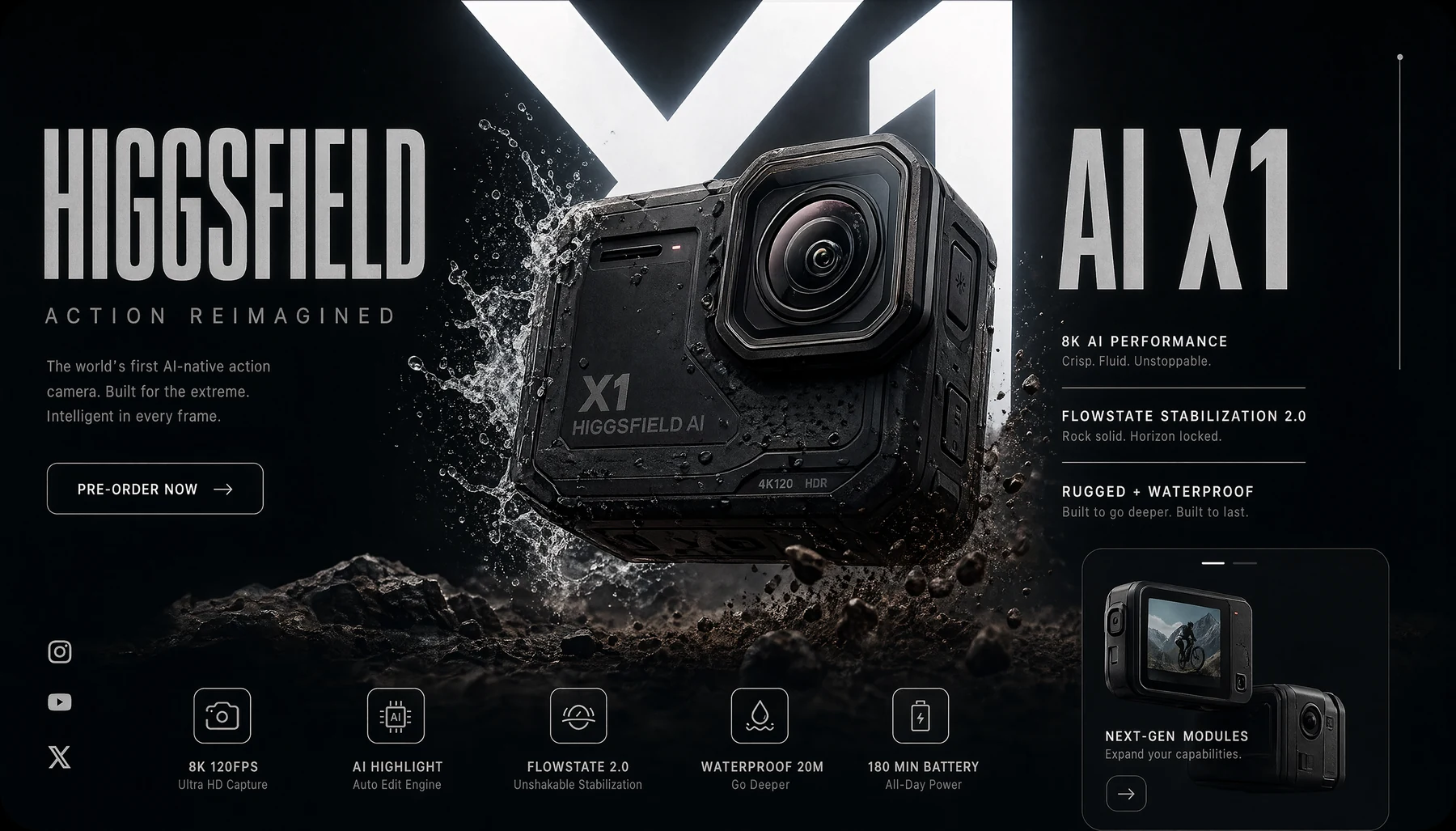
Posters, packaging, UI mockups, signage and multilingual copy rendered with clean edges and readable hierarchy. Keep the type tight; GPT Image 2.6 gives every line somewhere clear to land.
CONSISTENT ACROSS FRAMES
Lock a character, a product, or a brand asset and keep it recognizably identical across storyboards, campaign variants and multi-shot sequences. Faces, outfits and proportions stay pinned while the rest of the scene changes.
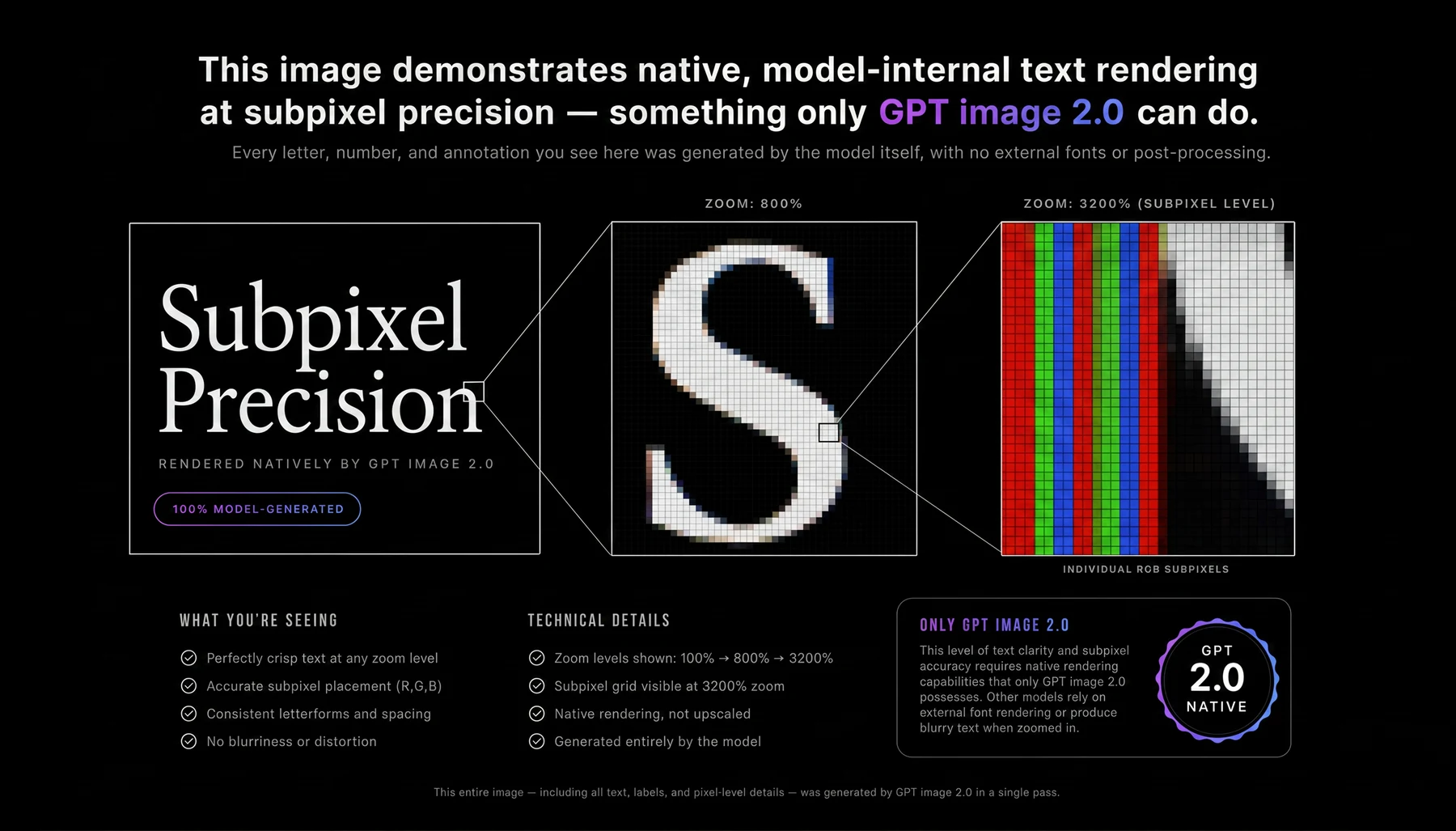
PRODUCTION-READY FROM THE FIRST FRAME
A focused workflow for designers, marketers and content teams who need a usable image, not another almost-right prototype.
Hierarchy, labels and fine print stay legible.
Characters and products remain consistent across frames.
Skin, glass, metal and fabric keep believable texture.
High-resolution files are ready for campaign review.
POWERED BY OPENAI
Turn a precise prompt into polished campaign visuals with clean type and production-level detail.
MADE FOR IMAGE CREATORS
Get more generations, faster queues and priority access to new features.
For first-time AI content creators
$108 billed annually
For consistent, production-ready creation
$276 billed annually
For studios shipping campaigns every day
$708 billed annually
For agencies and small teams creating faster
Custom seats, billed with your team agreement
Prices are in USD and exclude applicable taxes. Stripe Checkout handles renewals and invoices.
PLAYBOOK
Practical starting points for typography, product photography and repeatable characters.
Read the guideGOOD TO KNOW
We’ve answered the most common questions about GPT Image 2.6.
GPT Image 2.6 is a production-focused image generation experience for realistic photography, readable typography, consistent characters, and campaign-ready compositions.
The 2.6 experience focuses on practical campaign work: stronger text layouts, repeatable subjects, clean product materials, and high-resolution exports in a simpler creative flow.
Choose GPT Image 2.6 when a prompt needs convincing light and materials, precise in-image text, or the same subject across several images rather than a single experimental frame.
Paid plans include commercial usage rights. You remain responsible for the prompts, references, and assets you upload and for ensuring you have permission to use them.
It supports multilingual layouts, including Chinese, Japanese, and Korean characters. Very small type on curved or complex surfaces should still be reviewed before production.
Yes. Add a reference image, describe what should stay fixed, and then specify the lighting, material, framing, or text changes you want.
Choose a Basic, Pro, or Max plan, complete Stripe Checkout, then return to the page and press Generate to enter the rendering queue.
KEEP EXPLORING